
Alice Moon Jump Reflex Arcade
Reviews
Alice Moon Jump Reflex Arcade is a safe and engaging way for children to improve their reflexes and coordination. The colorful lunar setting and friendly monster designs keep the experience positive. The gradual increase in speed provides a satisfying challenge without being overwhelming. It is a great choice for parents seeking productive screen time.
About this game
Game Introduction
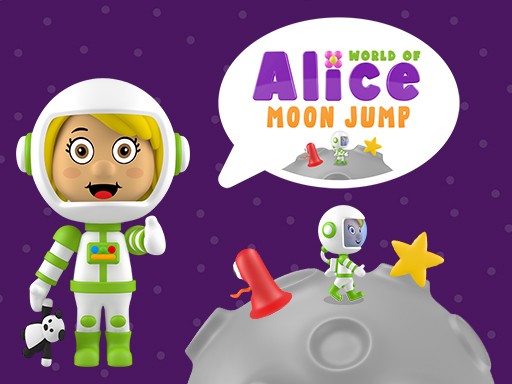
World of Alice: Moon Jump is an educational arcade game designed to help children develop quick reflexes and hand-eye coordination. Set in a colorful lunar landscape, players guide Alice as she jumps over monsters that appear randomly. The game starts at a comfortable pace and gradually increases in speed, challenging kids to react faster. With no complex rules or instructions, it is accessible for young learners on cell phones, tablets, or computers. The cheerful graphics and simple premise make it a safe and engaging choice for parents seeking productive screen time.
How to Play
To play, simply tap or click the screen to make Alice jump over the approaching lunar monsters. Each successful jump earns points, and the game becomes faster as you progress. The monsters appear from the left side of the screen, so timing and quick reactions are key. There are no penalties for missing a jump other than starting over, which encourages children to try again and improve. The controls are intuitive, allowing kids to focus on the action without frustration.
Game Features
The game features educational reflex training in a fun space setting. It is kid-friendly with no violence or inappropriate content. The game works on multiple devices including cell phones, tablets, and computers. Colorful graphics and simple gameplay keep children engaged. The increasing difficulty helps build coordination and reaction time over repeated plays.
Tips for Success
World of Alice: Moon Jump offers a safe and productive way for children to enjoy screen time while building important motor skills. The game is easy to pick up and provides a sense of achievement with each successful jump. To improve, children should practice regularly to build muscle memory for timing their jumps. Watching the monsters closely as they appear from the left helps anticipate when to tap. Staying calm as the speed increases allows for better focus and fewer mistakes.








Comments
Sign in to leave a review
No account? Create one
No comments yet.