
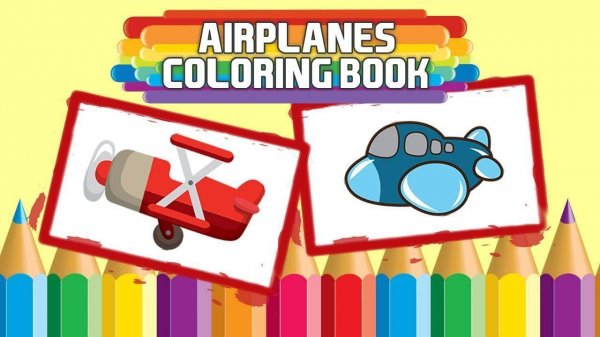
Kids Aviation Coloring Studio
Reviews
Kids Aviation Coloring Studio is a straightforward digital coloring app aimed at young children. Its strengths lie in its simplicity: 16 airplane outlines, a 24-color palette, and 9 pencil sizes, all controlled with a tap-to-fill method that avoids precise dragging. The absence of ads, in-app purchases, and online sharing makes it a parent-friendly choice. The only limitation is that artwork can only be kept by printing, as no internal save feature is mentioned. It suits families wanting a private, creative activity.
About this game
A Gallery of Airplane Outlines
When children open Kids Aviation Coloring Studio, they see a gallery of 16 distinct airplane outlines. Each outline shows a different aircraft style, from small prop planes to larger jets. Tapping any image loads it onto the main canvas, ready for coloring. The selection process is straightforward, allowing even young users to browse and pick their favorite without confusion.
Color Palette and Pencil Sizes
Once a design is chosen, the color palette appears at the bottom of the screen. It holds 24 different shades, ranging from bright primary colors to softer pastels. Next to the palette, a slider offers 9 pencil sizes. A thin tip works well for small details like windows or propellers, while a thicker tip covers larger areas quickly. Children can switch between sizes at any point, even within the same picture.
Tap-to-Fill Coloring Method
To color, the child simply taps or clicks on a section of the airplane outline. The selected color fills that area instantly. If they want to change a color, they can pick a new shade and tap again. This tap-to-fill method removes the need for precise dragging, making it easy for small hands to achieve neat results. There is no time limit or scoring system, so children can work at their own pace.
Printing Finished Artwork
When the picture looks complete, a print button appears on the screen. Pressing it sends the colored image to a connected printer, producing a physical copy. This feature allows children to display their work on a wall, give it as a gift, or keep it in a folder. The app does not include any social sharing buttons or online uploads, keeping the experience entirely offline and private.
A Private, Parent-Friendly Space
The app contains no advertisements, pop-ups, or external links. There are no in-app purchases or prompts to buy extra content. The interface uses large, clearly labeled buttons and a simple layout. This design minimizes frustration for young users and gives parents confidence that their child is not exposed to inappropriate material. The focus remains solely on the creative activity.
Compatibility
FAQ
Comments
Sign in to leave a review
No comments yet.







Editorial Notes